
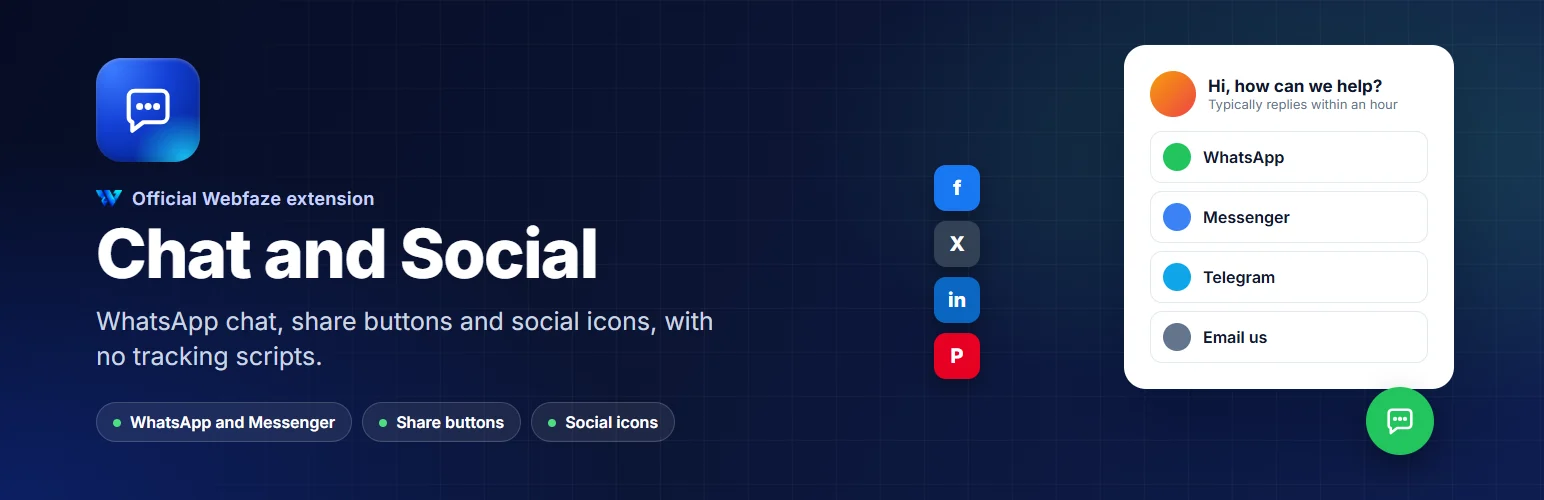

Chat and Social
A WhatsApp and Messenger chat button, share buttons for your posts and social icons, without slowing your site or tracking visitors.
WebfazeReviewed and signed
Install freeFrom your Webfaze admin, under Extensions
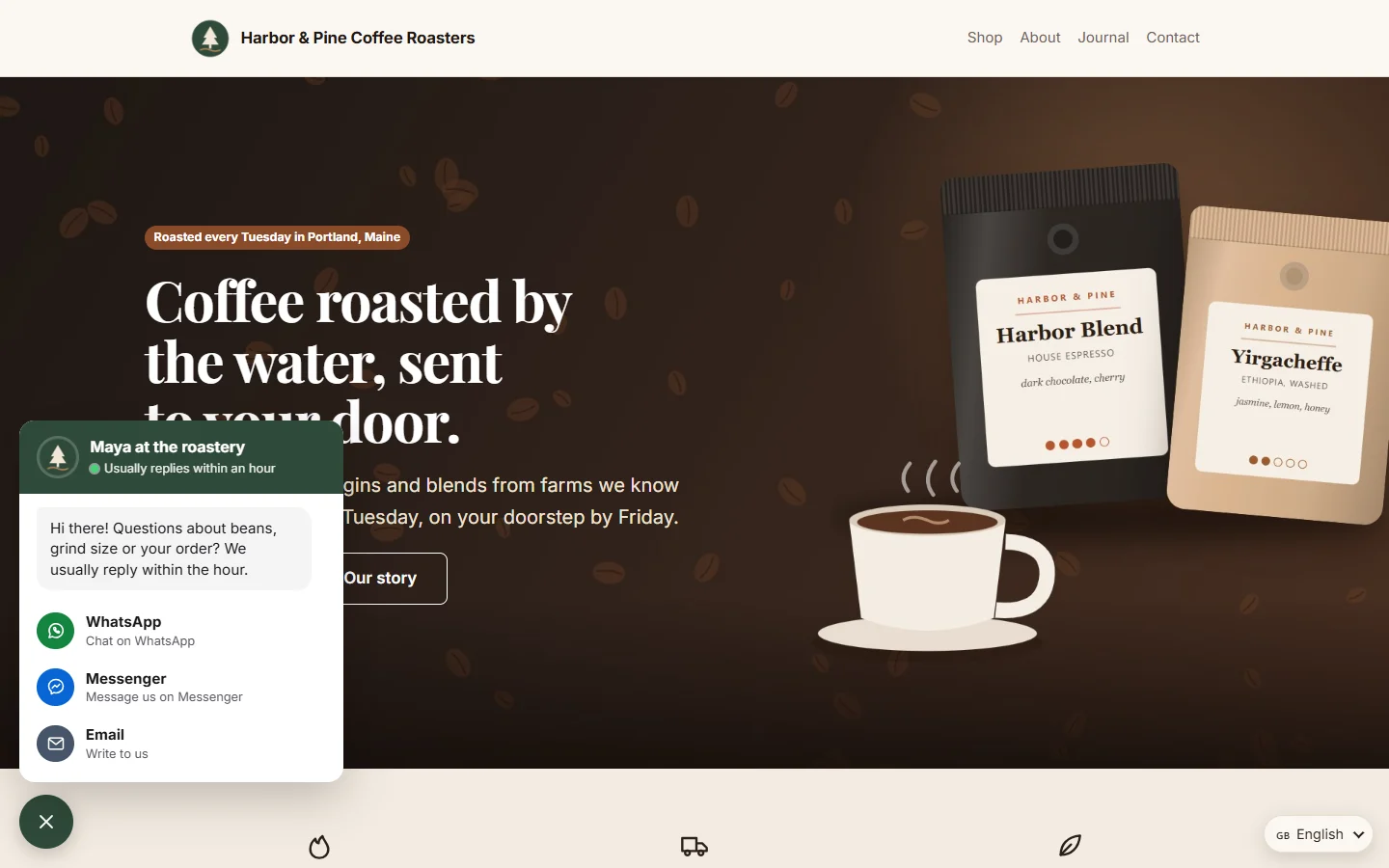
Chat and Social makes it easy for visitors to reach you and to share what they like.
Chat button:
- WhatsApp, Messenger, Telegram, Instagram, Viber, SMS, phone, email or any link
- One channel as a single button, or several in a small panel with your greeting and photo
- Position, colours and label, on desktop, mobile or both
- Only on the pages you choose, and only during your opening hours if you like
Share buttons:
- Facebook, X, LinkedIn, WhatsApp, Telegram, Pinterest, Reddit, email and copy link
- Added to your posts automatically, above, below or floating beside them
- Plain share links, with no counters and no scripts from the networks
Social icons:
- Link to all your profiles from a page builder element or your footer
- Also available as elements: a single chat button and a click-to-share quote
Nothing loads from Facebook, X or any other network, so your pages stay fast and private.
Your customers see every button, message and email in your site's language: English, Urdu, Arabic, Hindi, French, Spanish, German, Portuguese, Italian, Turkish, Indonesian, Dutch, Russian or Chinese, with Arabic and Urdu reading right to left. You can reword anything on the Texts screen.
Install on your Webfaze site
- Open your Webfaze admin and go to Extensions, then Add new.
- Search for chat-social and press Install.
- Check the permissions screen, then switch it on.
Webfaze checks the directory’s signature on the package before installing it.