

WordPress import
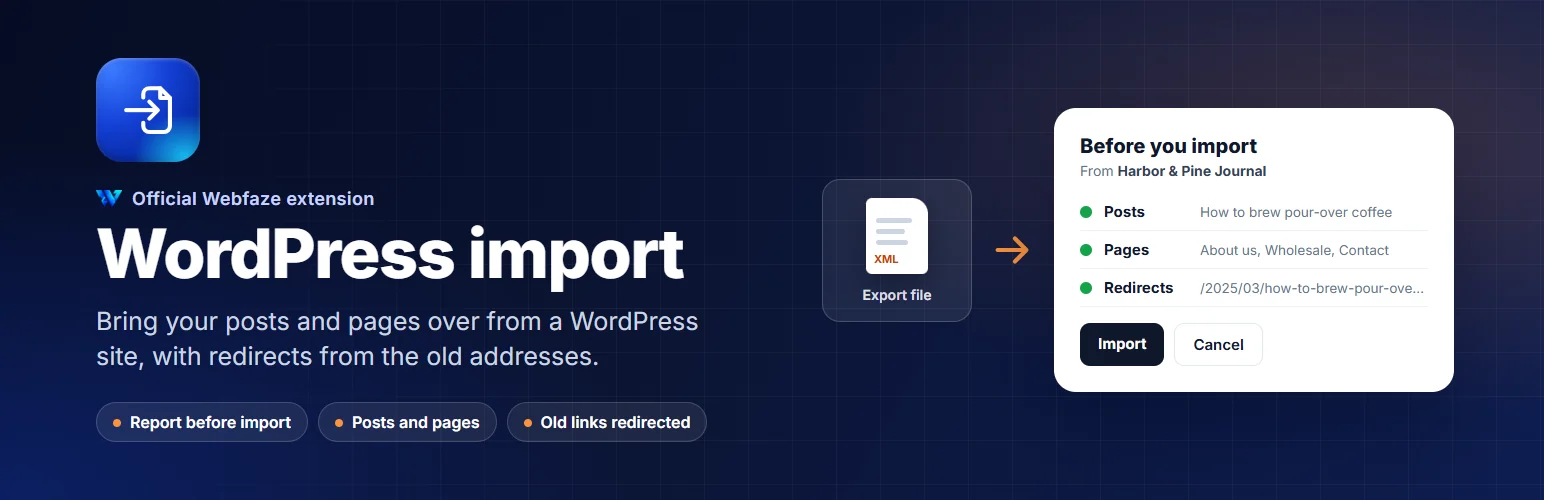
Move your posts and pages from a WordPress site to Webfaze. See a report first, then import. Old links keep working.
WordPress import moves your blog posts and pages from a WordPress site to your Webfaze site.
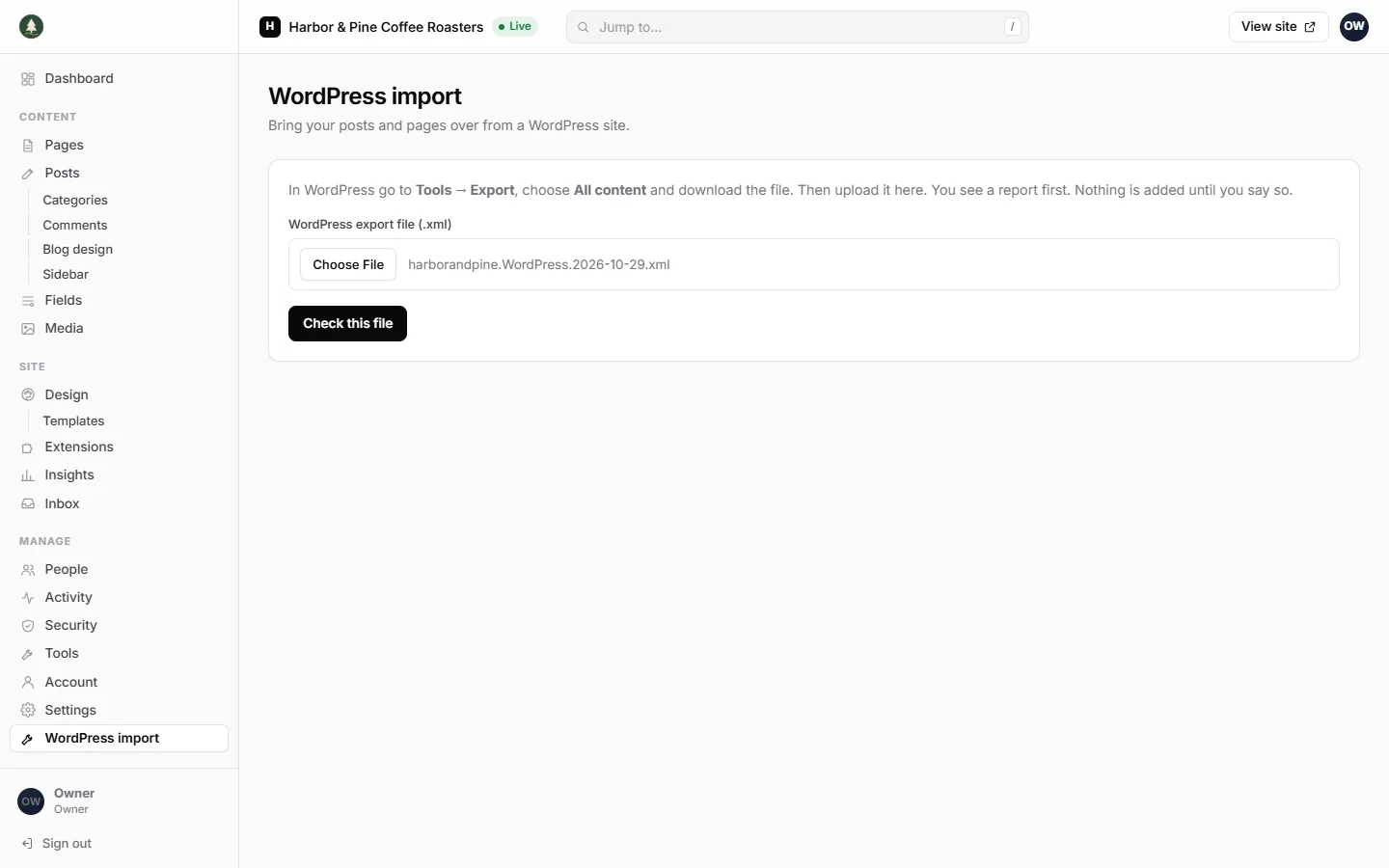
In WordPress, go to Tools, Export, choose All content and download the file. Upload that file in Webfaze. First you see a report: how many posts, pages, media files and menu items are in the file, how many will be added, and anything that will not come over cleanly. Nothing is added to your site until you press Import.
What comes over:
- Posts and pages. Published ones are published on your site. Drafts, private, pending and scheduled ones come in as drafts.
- The title, the last part of the address, the publish date and the excerpt (as the summary) of each one
- Paragraphs, headings, lists, quotes, code, dividers, images with their alt text, and videos added as iframe code
- A redirect from each published post's or page's old address to its new one, when the address changes, so old links and search results keep working
What does not come over:
- Media files. Images in your posts still load from your old WordPress site. Upload them to Media before you close the old site.
- Categories and tags
- Comments
- Authors. Everything is added under the account of the person who runs the import.
- Menus, widgets, themes and plugins
- Other post types, such as products or events, and custom fields
- Posts in the trash
- Bold, italics and links inside paragraphs. The words stay; the formatting becomes plain text.
- Layouts made with page builders such as Elementor, Divi, WPBakery, Beaver Builder, Oxygen or Bricks. The words come over, but the layout needs building again. The report tells you when it finds one.
- Shortcodes and blocks that Webfaze has no match for. They come over as plain text, and the report lists them.
One export file can be up to 20 MB. If yours is bigger, export posts and pages separately, or by date, and import each file.
Only owners and administrators can use it. Your file is read on your own server and is not sent anywhere else.
Install on your Webfaze site
- Open your Webfaze admin and go to Extensions, then Add new.
- Search for wordpress-import and press Install.
- Check the permissions screen, then switch it on.
Webfaze checks the directory’s signature on the package before installing it.