

WordPress import
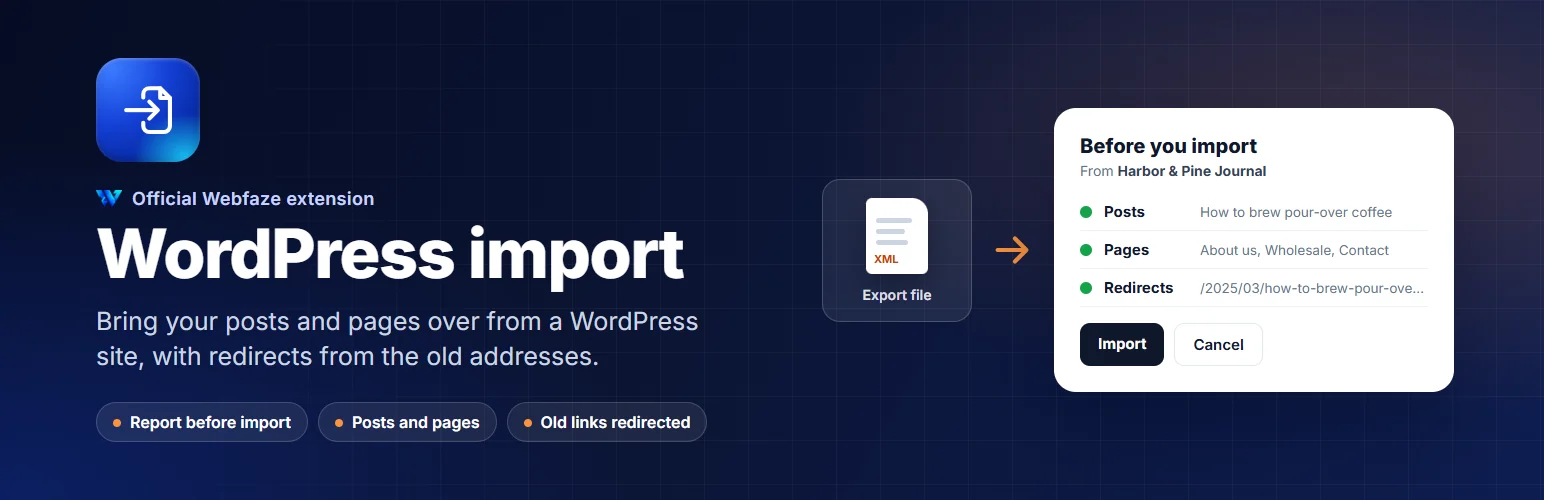
Move your posts and pages from a WordPress site to Webfaze. See a report first, then import. Old links keep working.
WebfazeReviewed and signed
Install freeFrom your Webfaze admin, under Extensions
What it may do on your site
- lowStore its own data, kept separate from everything else
What it can never do
- Read or change your users and passwords
- Read files on your server
- Run programs on your server
- Connect to the internet at all
- Change any of your content
- Read your site settings
Webfaze runs every extension in its own sandbox and blocks anything not listed here, whatever the code tries.
Install on your Webfaze site
- Open your Webfaze admin and go to Extensions, then Add new.
- Search for wordpress-import and press Install.
- Check the permissions screen, then switch it on.
Webfaze checks the directory’s signature on the package before installing it.