

SEO Toolkit
Score every page for search, set titles and descriptions, add rich results, and fix broken links before visitors find them.
WebfazeReviewed and signed
Install freeFrom your Webfaze admin, under Extensions
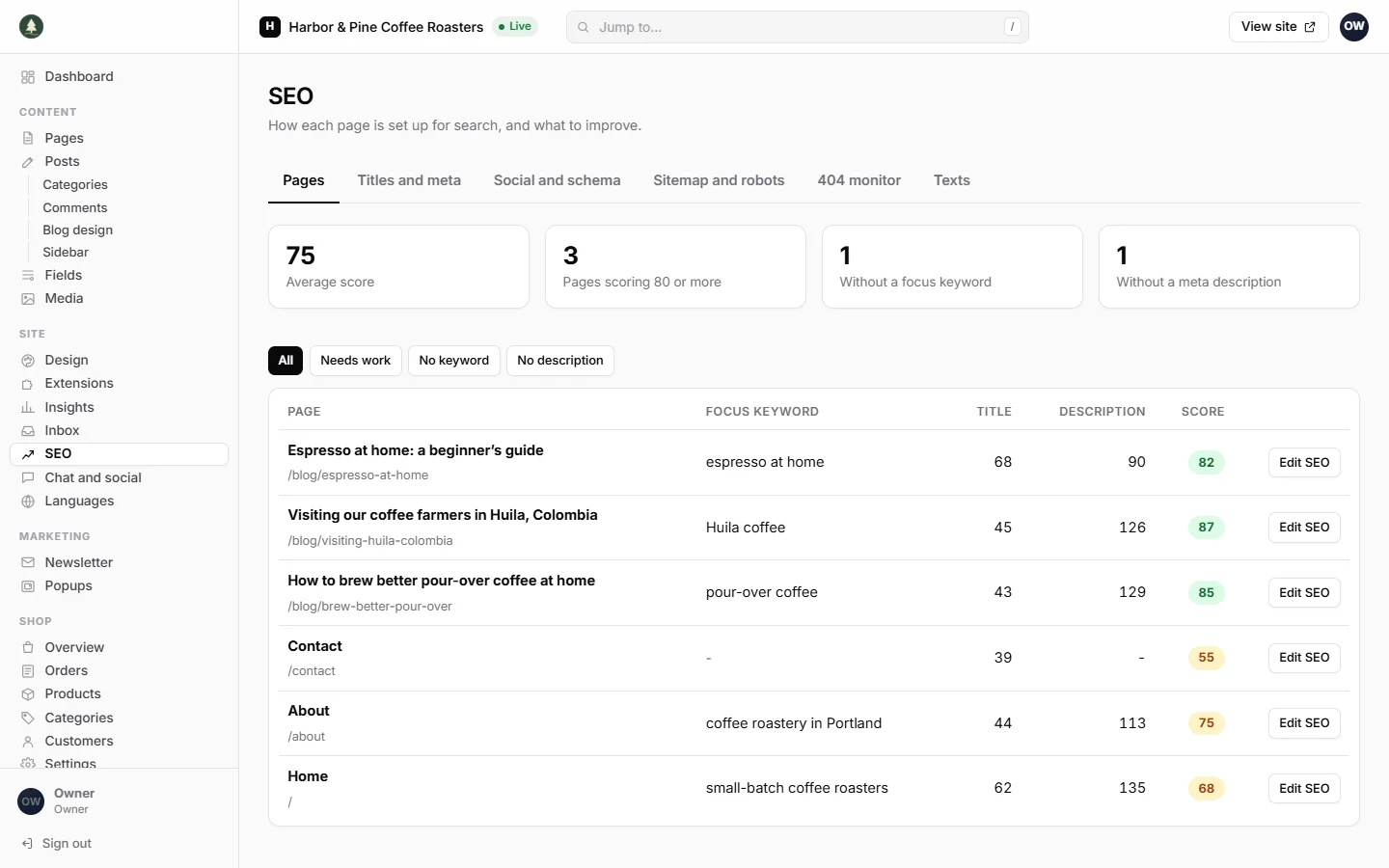
SEO Toolkit shows you how each page is set up for search and exactly what to improve, in plain words.
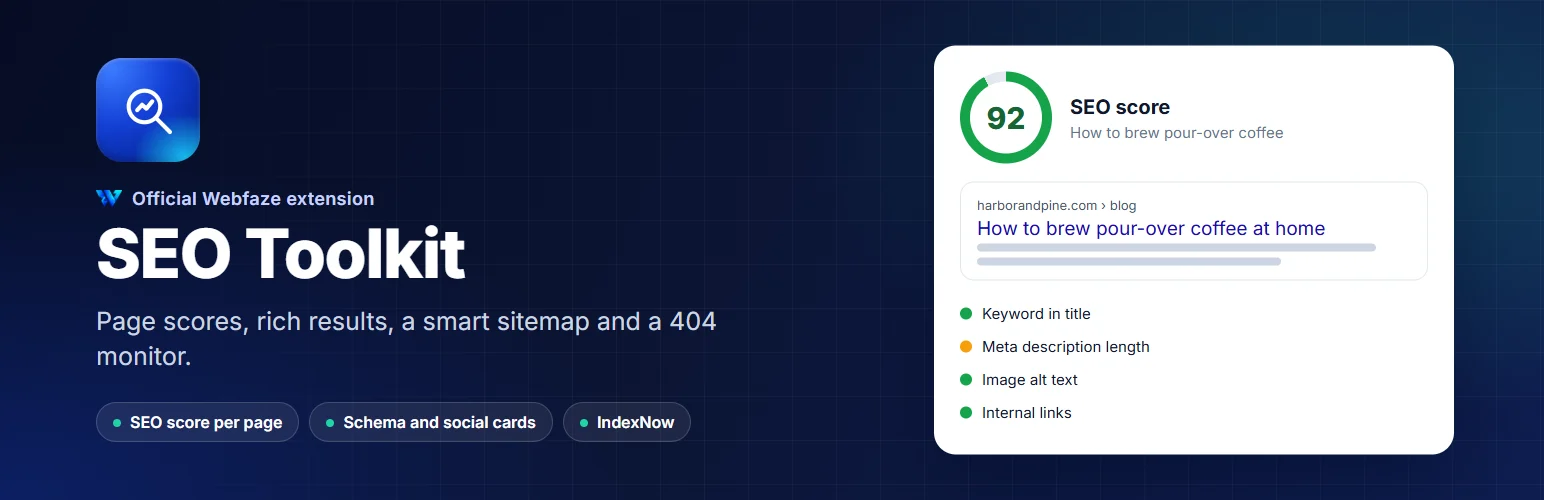
Every page and post gets a score out of 100 against its focus keyword, with a checklist you can work through: keyword in the title, description and first paragraph, title and description length, content length, image alt text, internal and outbound links, sentence and paragraph length, and keywords used on more than one page.
Per page:
- Focus keyword with live analysis and a score
- SEO title and meta description with a search result preview and character counts
- Canonical address, noindex and nofollow
- Title, description and image when shared on social media, with a preview
- Page type for structured data, and FAQ questions that can show as expandable answers in search results
For the whole site:
- Title templates with the site name and a separator of your choice
- Home page title and description
- Organization, person or local business details, with address, opening hours and map position
- Social profiles linked to your site
- Breadcrumb and website structured data on every page
- Google, Bing, Yandex and Pinterest verification codes
- A sitemap you control, collection by collection, that leaves out noindex pages
- Extra robots.txt rules
- IndexNow, so Bing and other search engines hear about new and changed pages within minutes
- A 404 monitor that records missing addresses and turns each one into a redirect with one click
Nothing is sent to us or to any third party except the IndexNow pings you switch on.
Install on your Webfaze site
- Open your Webfaze admin and go to Extensions, then Add new.
- Search for seo-toolkit and press Install.
- Check the permissions screen, then switch it on.
Webfaze checks the directory’s signature on the package before installing it.