
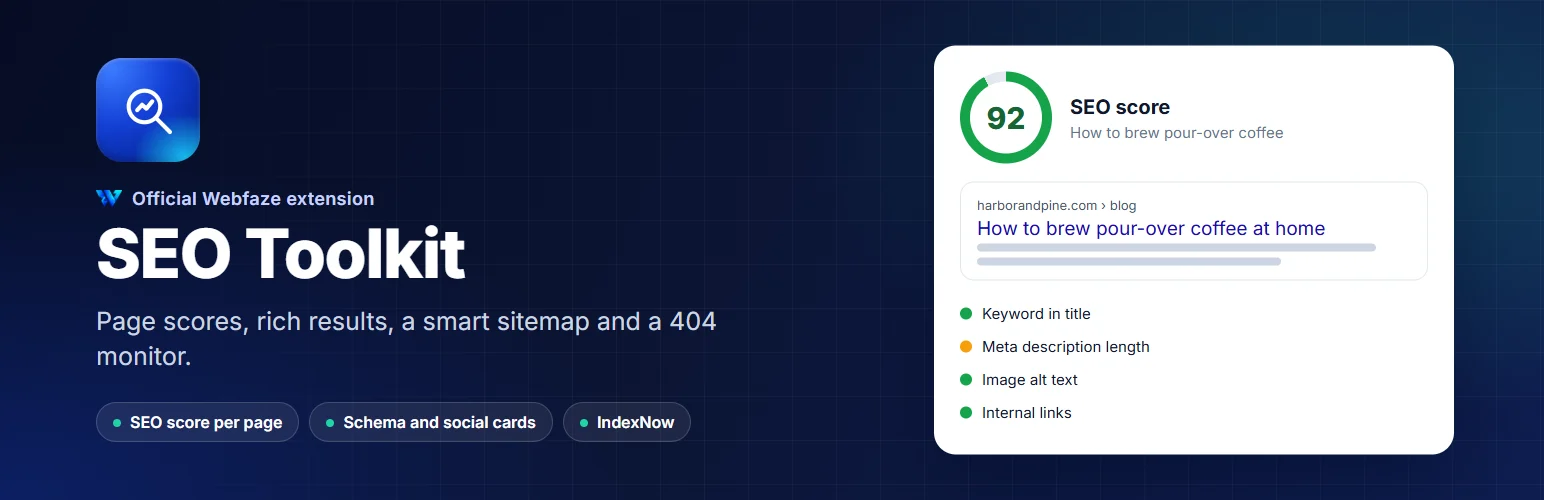

SEO Toolkit
Score every page for search, set titles and descriptions, add rich results, and fix broken links before visitors find them.
FAQ
Does it replace the SEO fields in the editor?
No. The title, description and noindex setting are the same values you see in the page editor. SEO Toolkit adds the rest and the analysis.
Will it slow my site down?
No. It adds a few tags to each page and runs no scripts in your visitors' browsers.
What happens if I remove it?
Your pages keep their titles and descriptions. The extra structured data, the custom sitemap rules and the 404 log stop until you install it again; nothing is deleted.
Installation
Install it from Extensions, Add new. A new SEO entry appears in the Console menu under Site.
Start with SEO, Titles and meta, then set a focus keyword on your most important pages and work through each checklist.
Install on your Webfaze site
- Open your Webfaze admin and go to Extensions, then Add new.
- Search for seo-toolkit and press Install.
- Check the permissions screen, then switch it on.
Webfaze checks the directory’s signature on the package before installing it.