

Multilingual
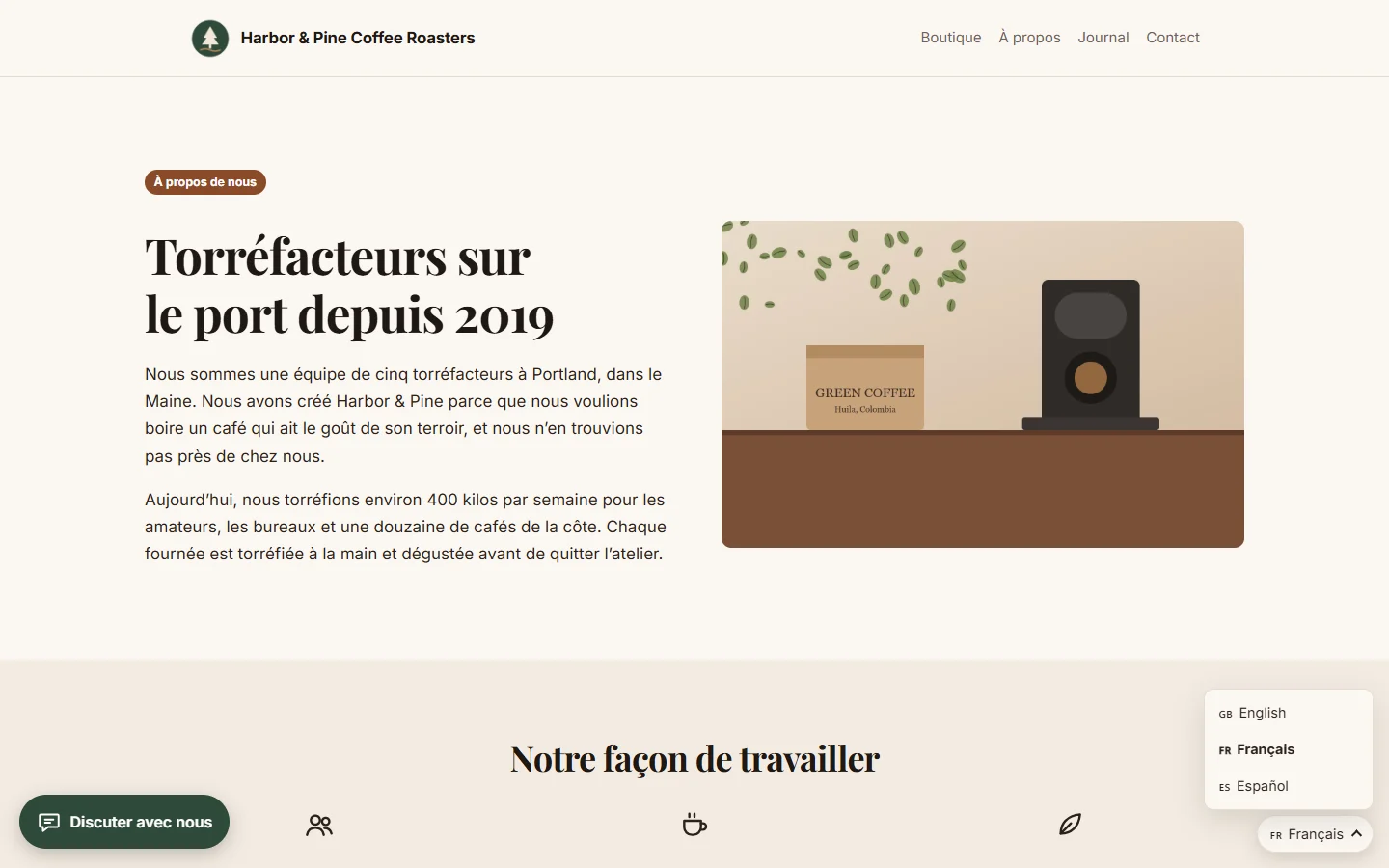
Publish your site in several languages, each with its own addresses, translated menus, hreflang tags and a language switcher.
WebfazeReviewed and signed
Install freeFrom your Webfaze admin, under Extensions
Multilingual lets you publish every page and post in more than one language, the way search engines expect.
Languages:
- Add any number of languages, including right-to-left languages such as Arabic and Hebrew
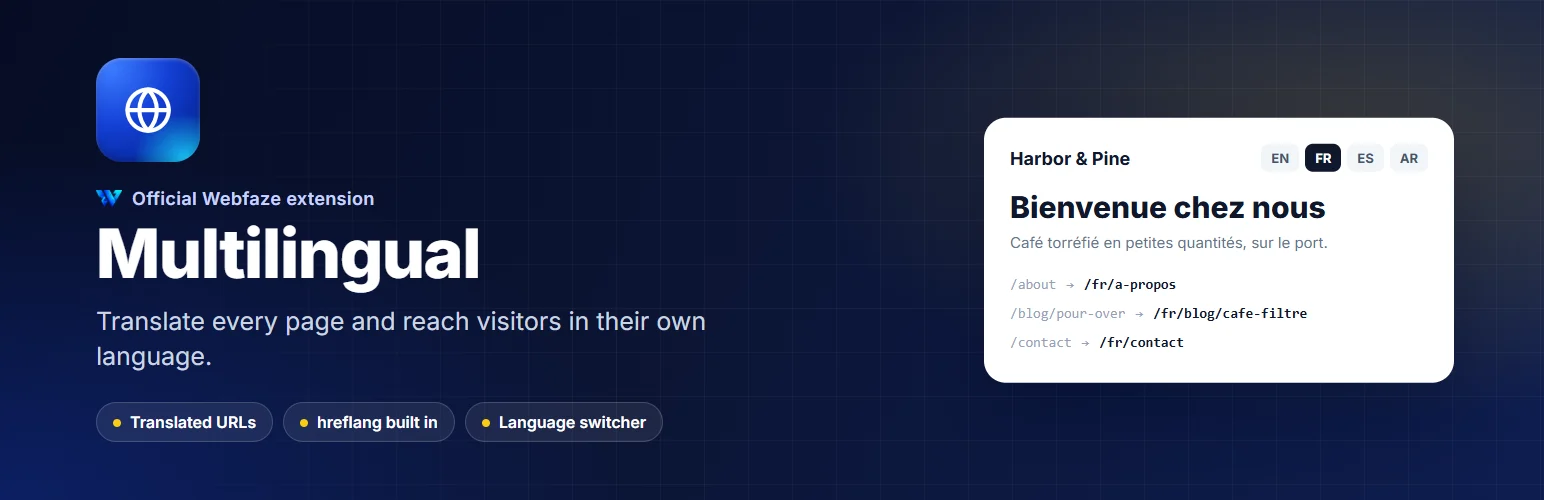
- Each language has its own addresses, for example /fr/a-propos for /about
- Choose what visitors see when a page has not been translated yet
Translating:
- A clear view of every page and post with the status of each translation: missing, draft, published or out of date
- Translate side by side with the original, for document pages and page builder pages alike
- Layout, styles and images stay shared, so design changes reach every language
- Pages marked out of date when the original changes
- Optional machine translation with your own DeepL key, to fill in a first draft
- Translated menu labels and links
For search engines and visitors:
- hreflang and canonical tags on every language version
- Every published translation in the sitemap
- A language switcher element, and an optional switcher in the footer or a corner
Install on your Webfaze site
- Open your Webfaze admin and go to Extensions, then Add new.
- Search for multilingual and press Install.
- Check the permissions screen, then switch it on.
Webfaze checks the directory’s signature on the package before installing it.