
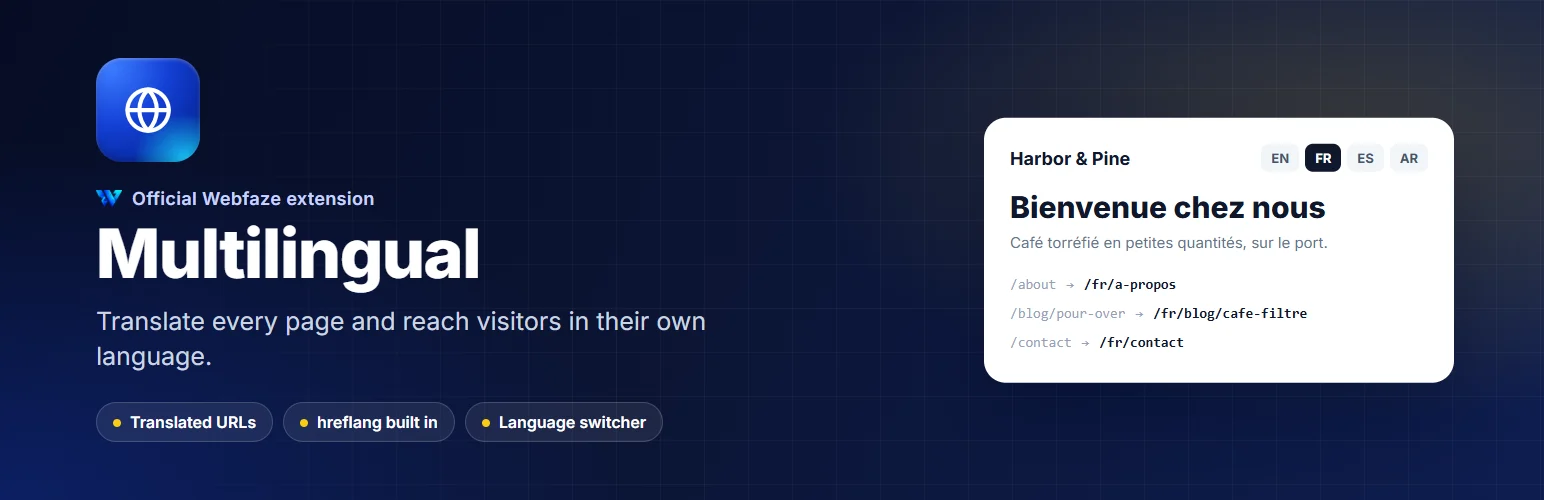

Multilingual
Publish your site in several languages, each with its own addresses, translated menus, hreflang tags and a language switcher.
FAQ
Do I need a translation service?
No. You can translate everything yourself. DeepL is optional, with your own key.
What happens to pages I have not translated?
You choose: show them in the original language with a short notice, or leave them out of that language.
Will my existing addresses change?
No. Your main language keeps its addresses; other languages get their own prefix.
Installation
Install it from Extensions, Add new. A Languages entry appears in the Console menu under Site.
Add your languages, then open Translations to translate your pages, posts and menu. Add the language switcher element to your header or footer.
Install on your Webfaze site
- Open your Webfaze admin and go to Extensions, then Add new.
- Search for multilingual and press Install.
- Check the permissions screen, then switch it on.
Webfaze checks the directory’s signature on the package before installing it.