WordPress import

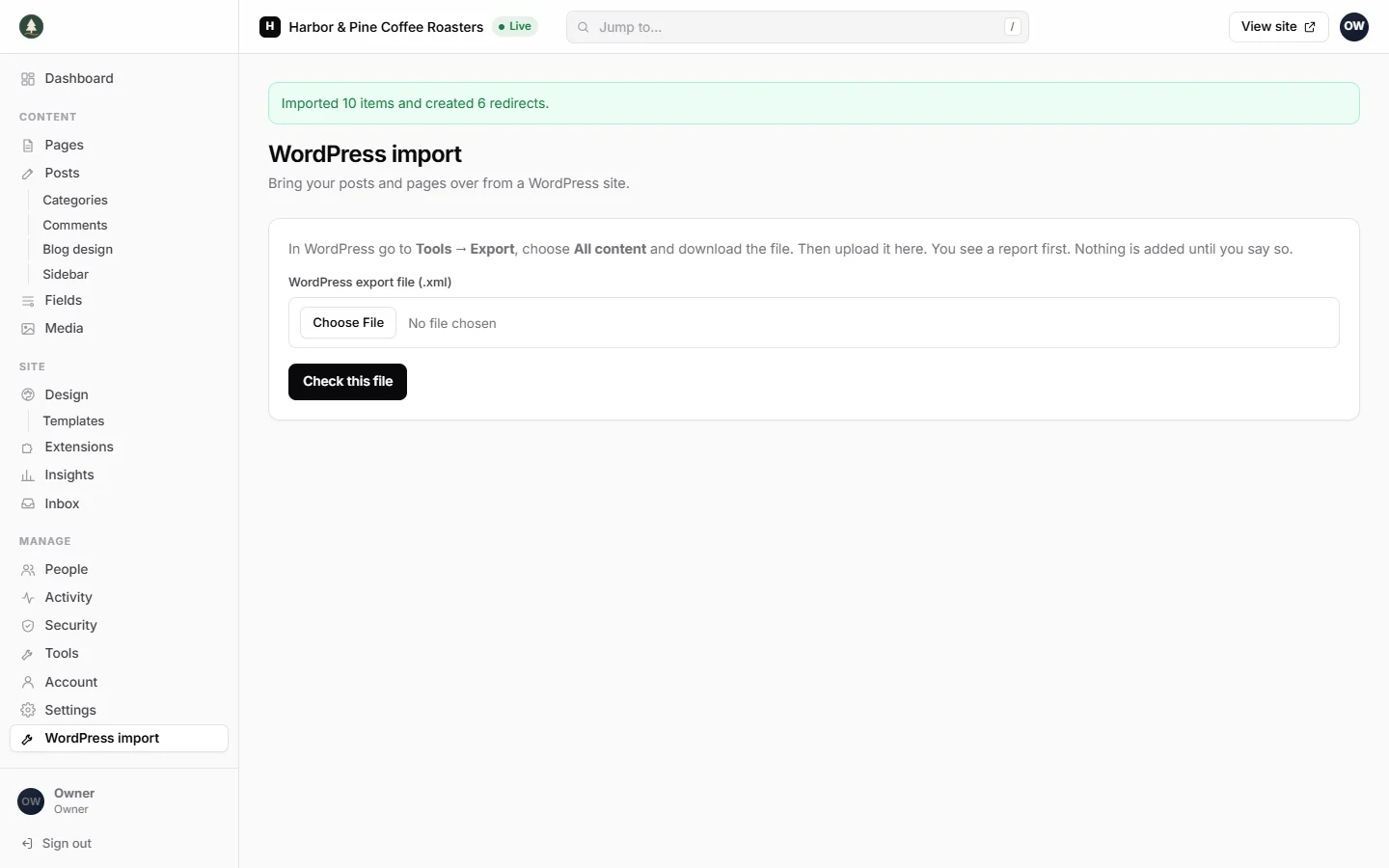
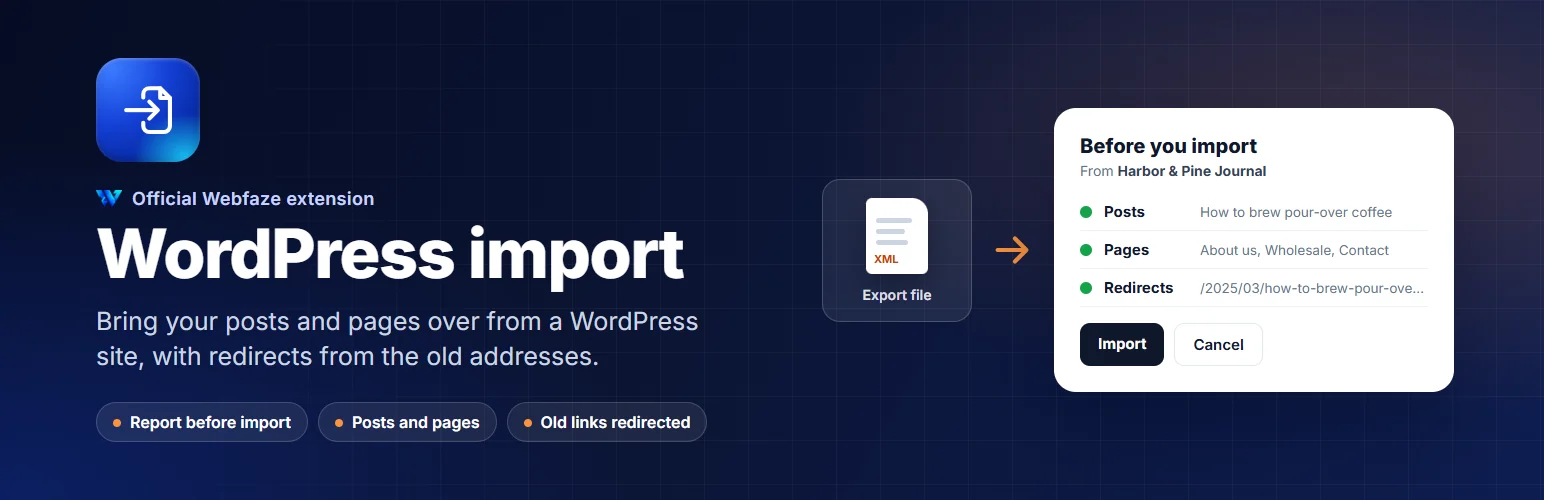
Move your posts and pages from a WordPress site to Webfaze. See a report first, then import. Old links keep working.

WebfazeReviewed and signed
Install freeFrom your Webfaze admin, under Extensions
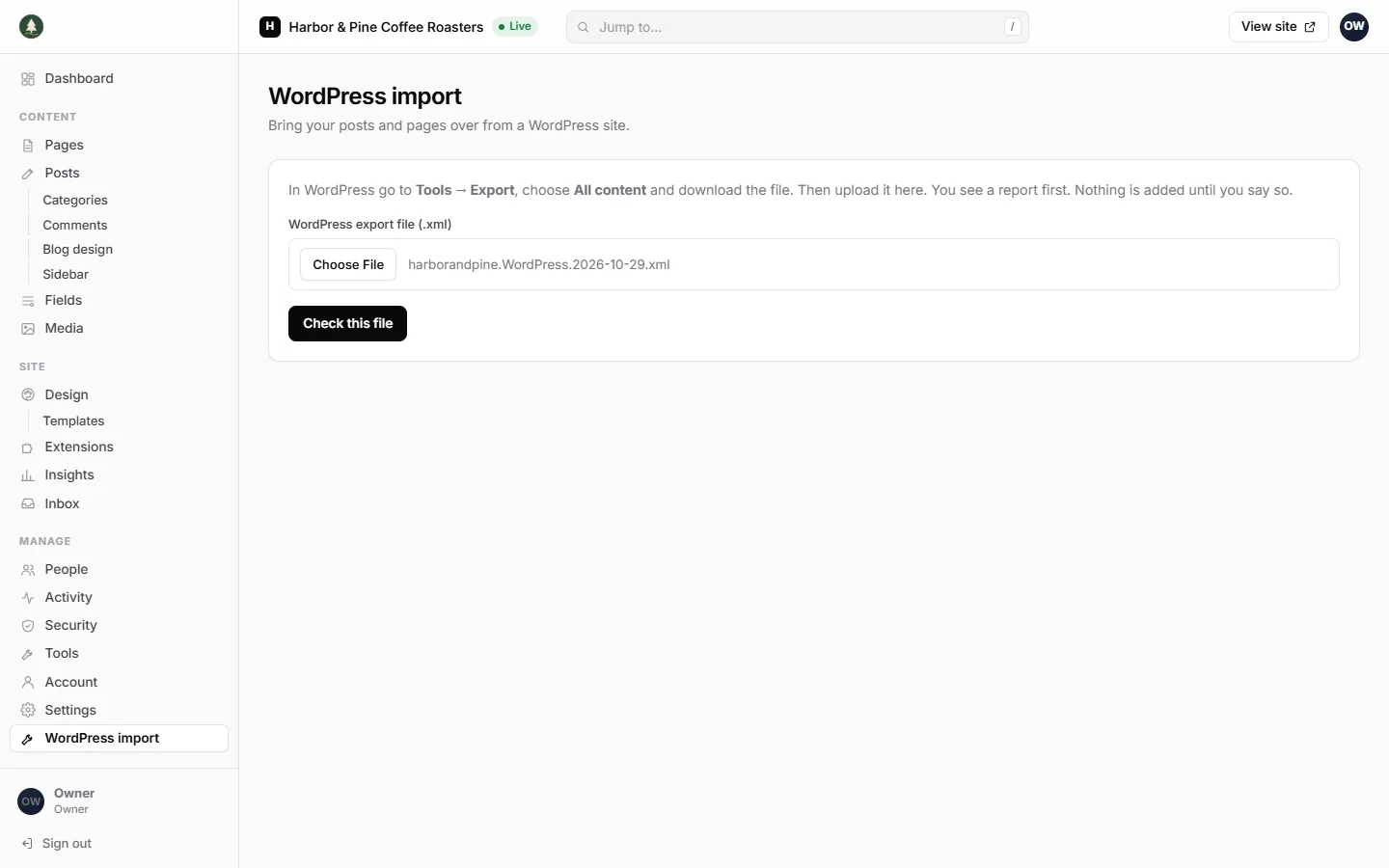
Upload the export file from WordPress: Tools, Export, All content
A report shows what is in the file and what will be added, before anything changes
One click adds the posts and pages, with redirects from the old addresses
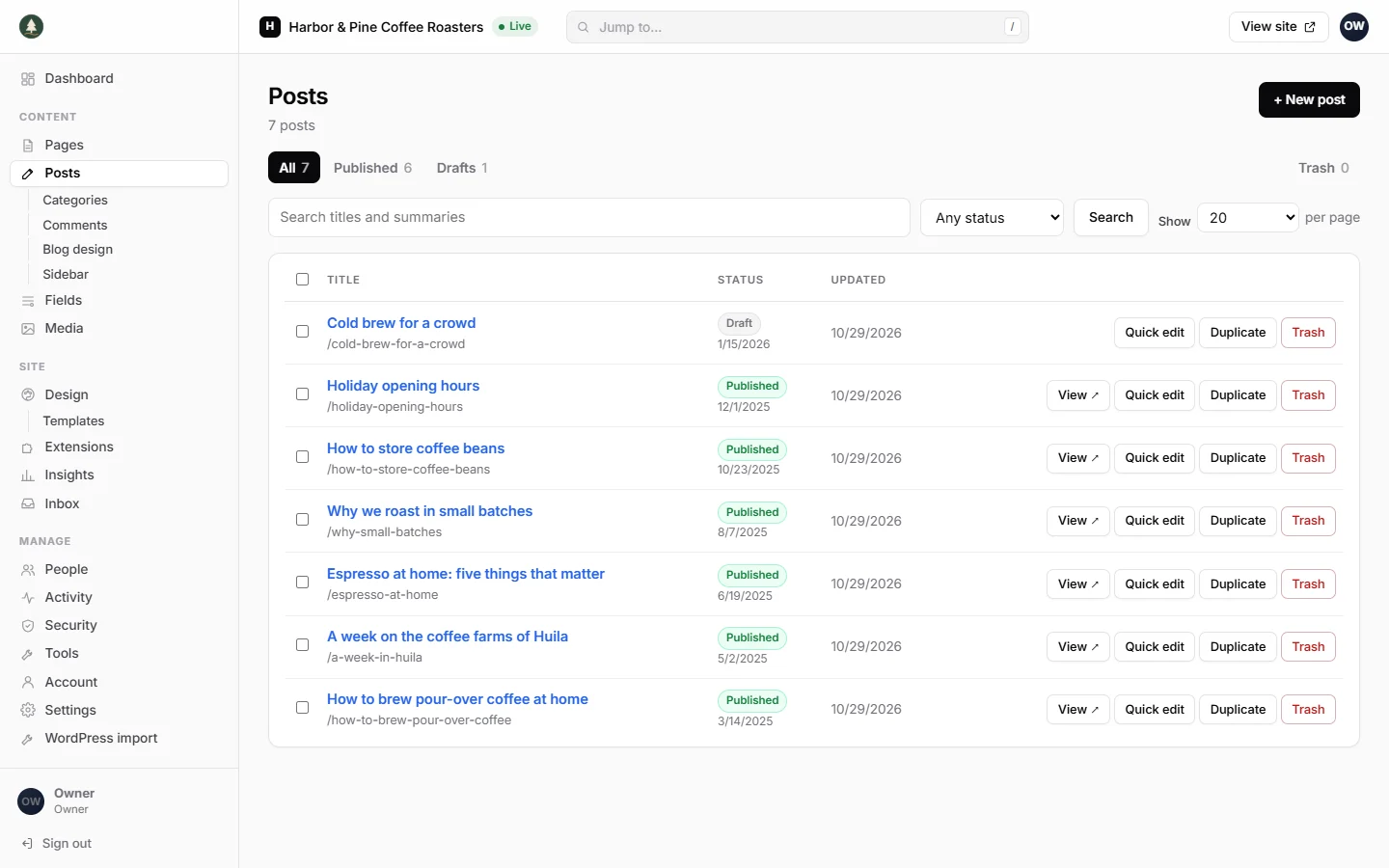
Imported posts keep their titles, addresses, dates and draft or published status
An imported post on the live site, with its headings, lists and images

Install on your Webfaze site

  1. Open your Webfaze admin and go to Extensions, then Add new.
  2. Search for wordpress-import and press Install.
  3. Check the permissions screen, then switch it on.

Webfaze checks the directory’s signature on the package before installing it.