
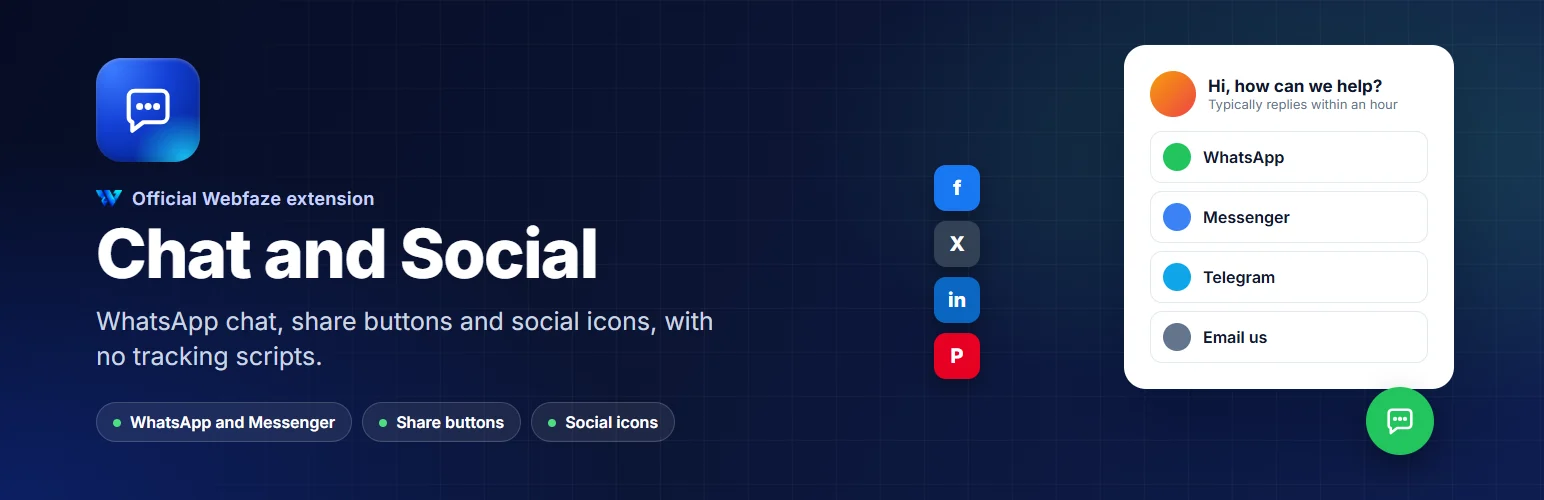

Chat and Social
A WhatsApp and Messenger chat button, share buttons for your posts and social icons, without slowing your site or tracking visitors.
WebfazeReviewed and signed
Install freeFrom your Webfaze admin, under Extensions
Install on your Webfaze site
- Open your Webfaze admin and go to Extensions, then Add new.
- Search for chat-social and press Install.
- Check the permissions screen, then switch it on.
Webfaze checks the directory’s signature on the package before installing it.