

Commerce
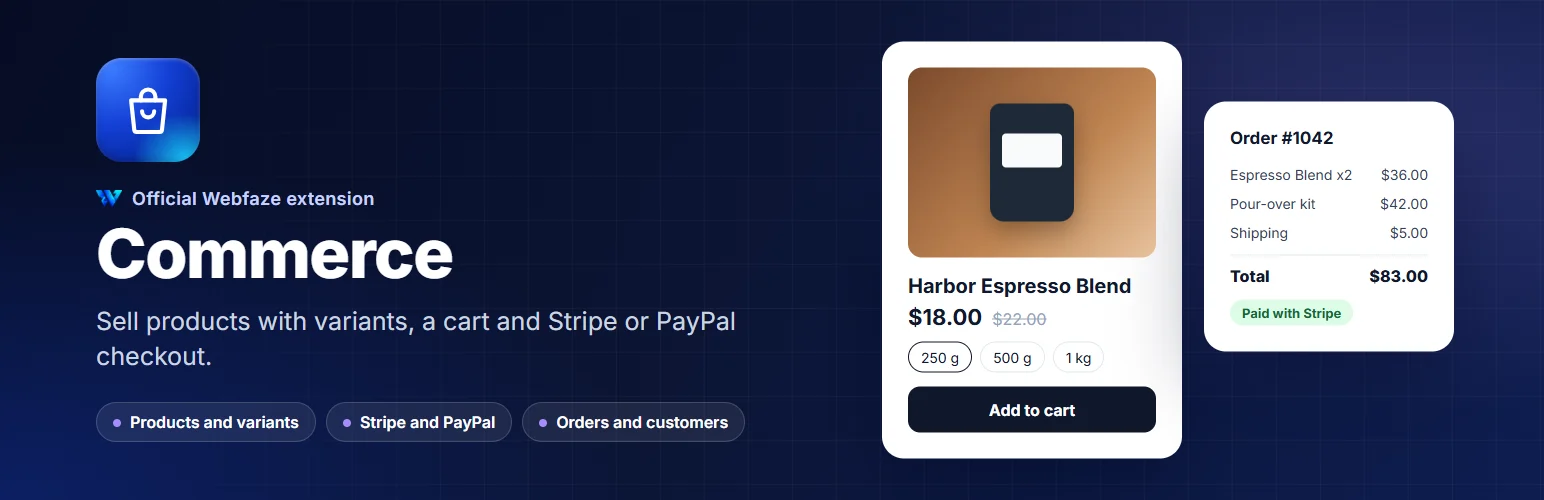
Sell physical products from your Webfaze site: variants, stock, a cart, Stripe and PayPal checkout, orders and customer accounts.
Commerce turns your Webfaze site into a shop, with everything in the same Console you already use.
Products:
- Products with photos, descriptions, prices, compare-at prices, SKU and barcode
- Options such as size, colour or grind, with a price, SKU, stock level and photo for every variant
- Categories and tags, featured products and draft or archived products
- Stock tracking with low-stock warnings and optional backorders
Your shop:
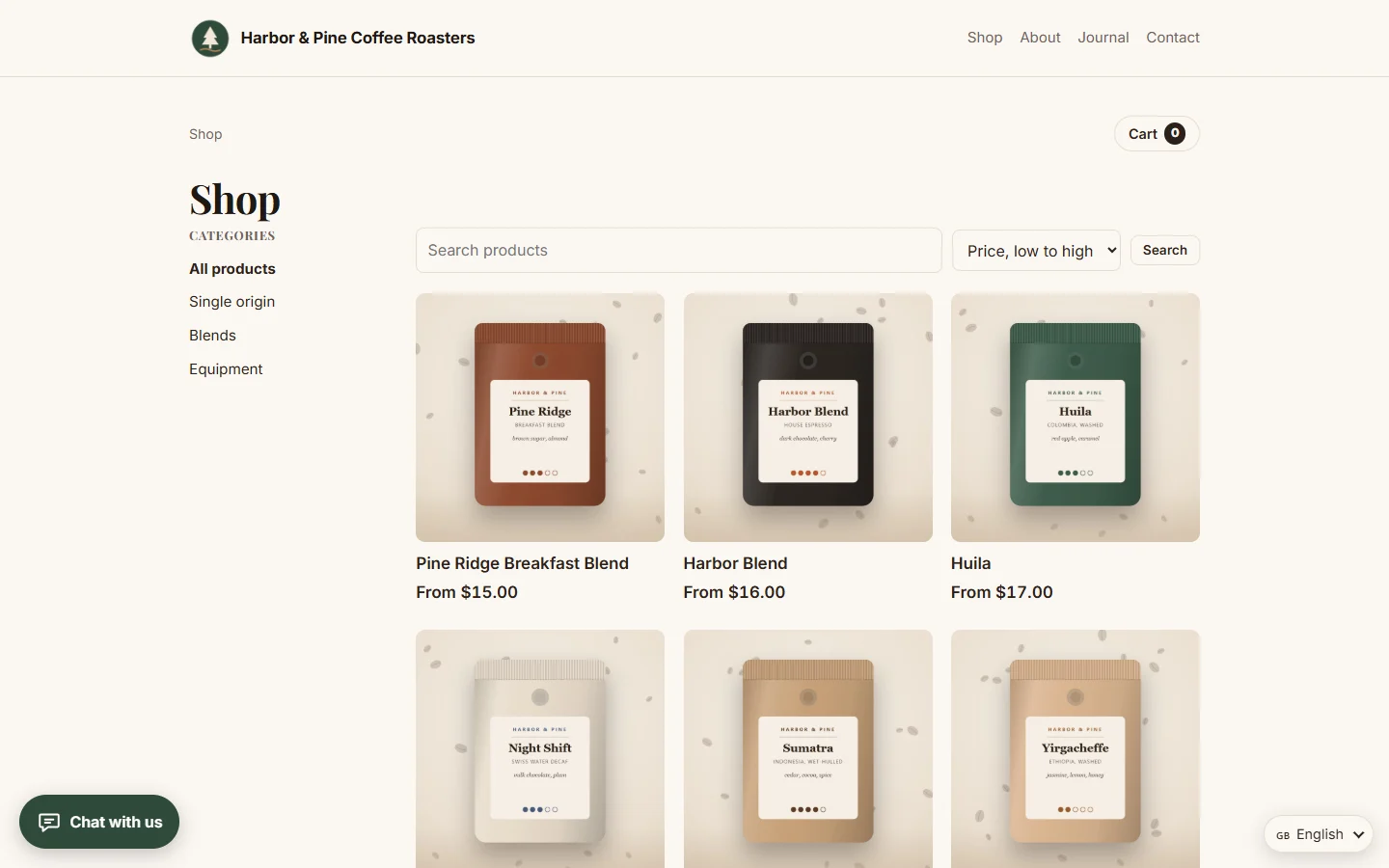
- A catalogue with categories, search and sorting, product pages with galleries, and a cart
- Checkout with Stripe, PayPal, bank transfer or cash on delivery
- Flat-rate shipping, free shipping over an amount, and local pickup
- Customer accounts with order history, or guest checkout
- Order emails to your customers and to you, including shipping updates with tracking numbers
- Product structured data, so prices and availability can show in search results
- Page builder elements: product grid, featured product, categories, add-to-cart button and cart link
Running the shop:
- An overview with today's and this month's sales, orders to send and low stock
- Orders with status, payment details, a timeline, notes, shipping with tracking, cancellations and refunds you record
- Customers with their orders and total spent
Card details never touch your server: Stripe and PayPal take the payment on their own secure pages.
Your customers see every button, message and email in your site's language: English, Urdu, Arabic, Hindi, French, Spanish, German, Portuguese, Italian, Turkish, Indonesian, Dutch, Russian or Chinese, with Arabic and Urdu reading right to left. You can reword anything on the Texts screen.
A setup checklist walks you through currency, payments, shipping and your first product, and a shop assistant can be given access to orders without your settings.
Install on your Webfaze site
- Open your Webfaze admin and go to Extensions, then Add new.
- Search for commerce and press Install.
- Check the permissions screen, then switch it on.
Webfaze checks the directory’s signature on the package before installing it.