

Commerce
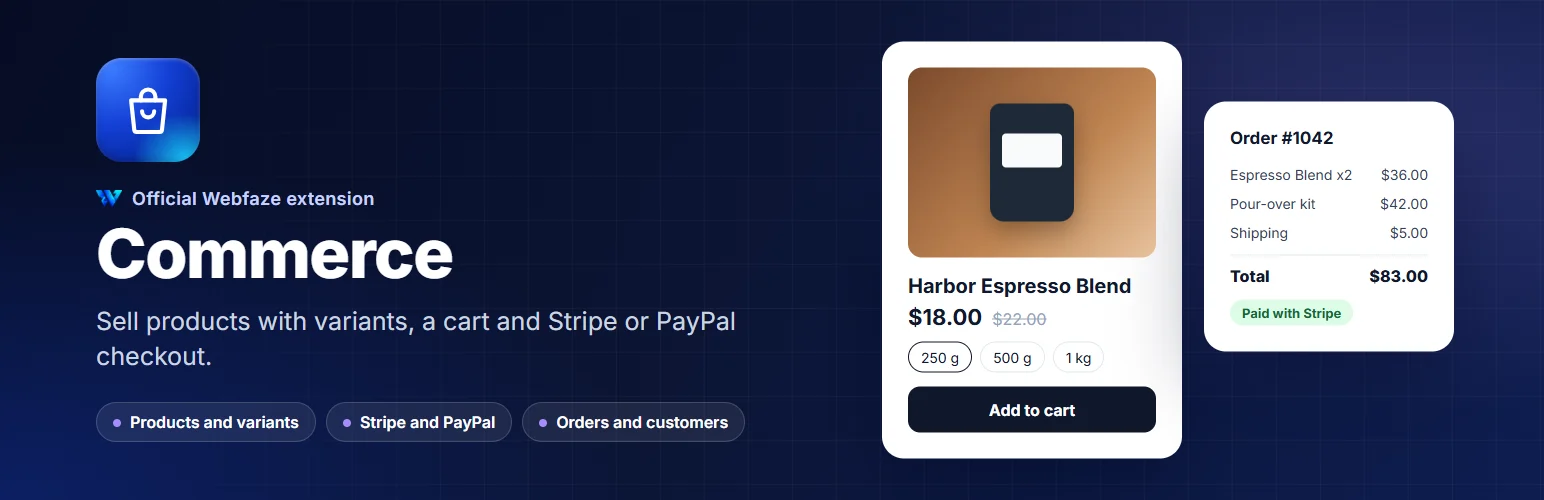
Sell physical products from your Webfaze site: variants, stock, a cart, Stripe and PayPal checkout, orders and customer accounts.
FAQ
Which payment providers are supported?
Stripe and PayPal, plus bank transfer and cash on delivery. You need your own Stripe or PayPal account; payments go straight to you.
Are there transaction fees from Webfaze?
No. You only pay your payment provider's fees.
Can I sell digital downloads or use coupons?
Coupons, tax rates, shipping zones, digital downloads and sales reports are coming in the next version.
Does the shop work without JavaScript?
Yes. Every page, the cart and the checkout work as plain forms, so the shop stays fast and works everywhere.
Installation
Install it from Extensions, Add new. A Shop group appears in the Console menu.
Open Shop, Settings to set your currency, shipping and payment methods, then add your first product. Your shop is at /shop. Add the product grid element to any page with the page builder.
Install on your Webfaze site
- Open your Webfaze admin and go to Extensions, then Add new.
- Search for commerce and press Install.
- Check the permissions screen, then switch it on.
Webfaze checks the directory’s signature on the package before installing it.