
Newsletter and Popups
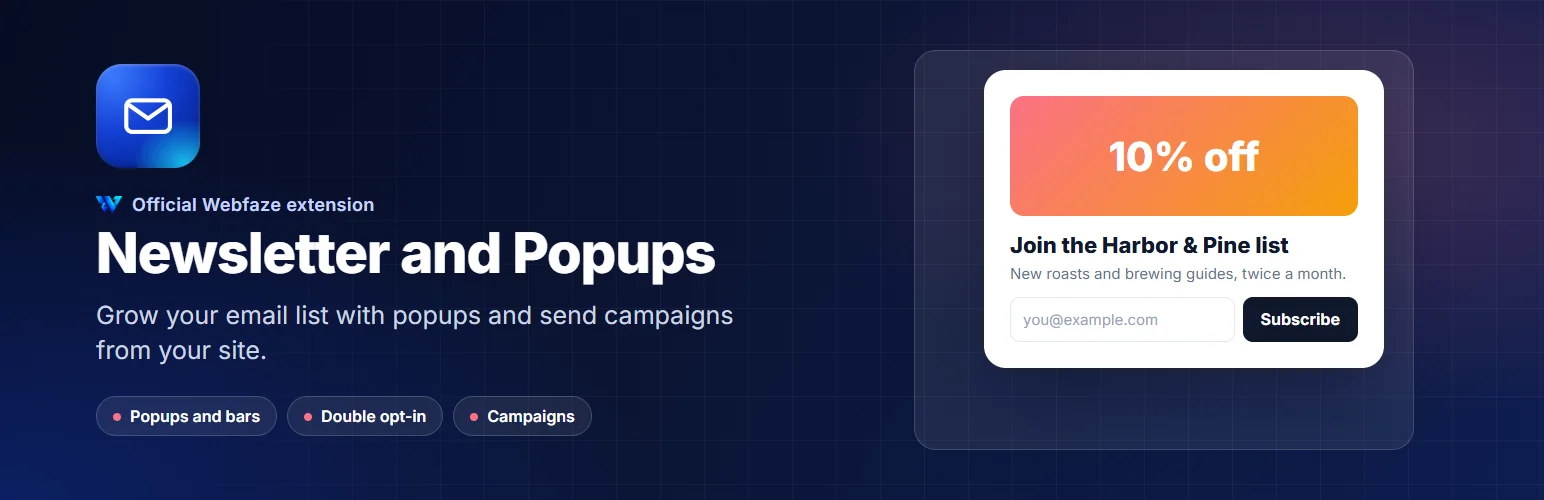
Grow your email list with popups, bars and sign-up forms, and send newsletters to your subscribers from your own site.
FAQ
Which email service sends my newsletters?
Your own. Campaigns are sent through the email settings in Settings, so they come from your address.
Will popups annoy my visitors?
You decide how often a popup can appear, and anyone who closes it or subscribes is not asked again for as long as you choose.
Can I keep using Mailchimp or Brevo?
Yes. New subscribers can be sent to your Mailchimp audience or Brevo list automatically.
Installation
Install it from Extensions, Add new. A Marketing group appears in the Console menu.
Check that email is set up in Settings, then create your first popup or add the subscribe form element to a page.
Install on your Webfaze site
- Open your Webfaze admin and go to Extensions, then Add new.
- Search for newsletter-popups and press Install.
- Check the permissions screen, then switch it on.
Webfaze checks the directory’s signature on the package before installing it.