
Newsletter and Popups

Grow your email list with popups, bars and sign-up forms, and send newsletters to your subscribers from your own site.

WebfazeReviewed and signed
Install freeFrom your Webfaze admin, under Extensions
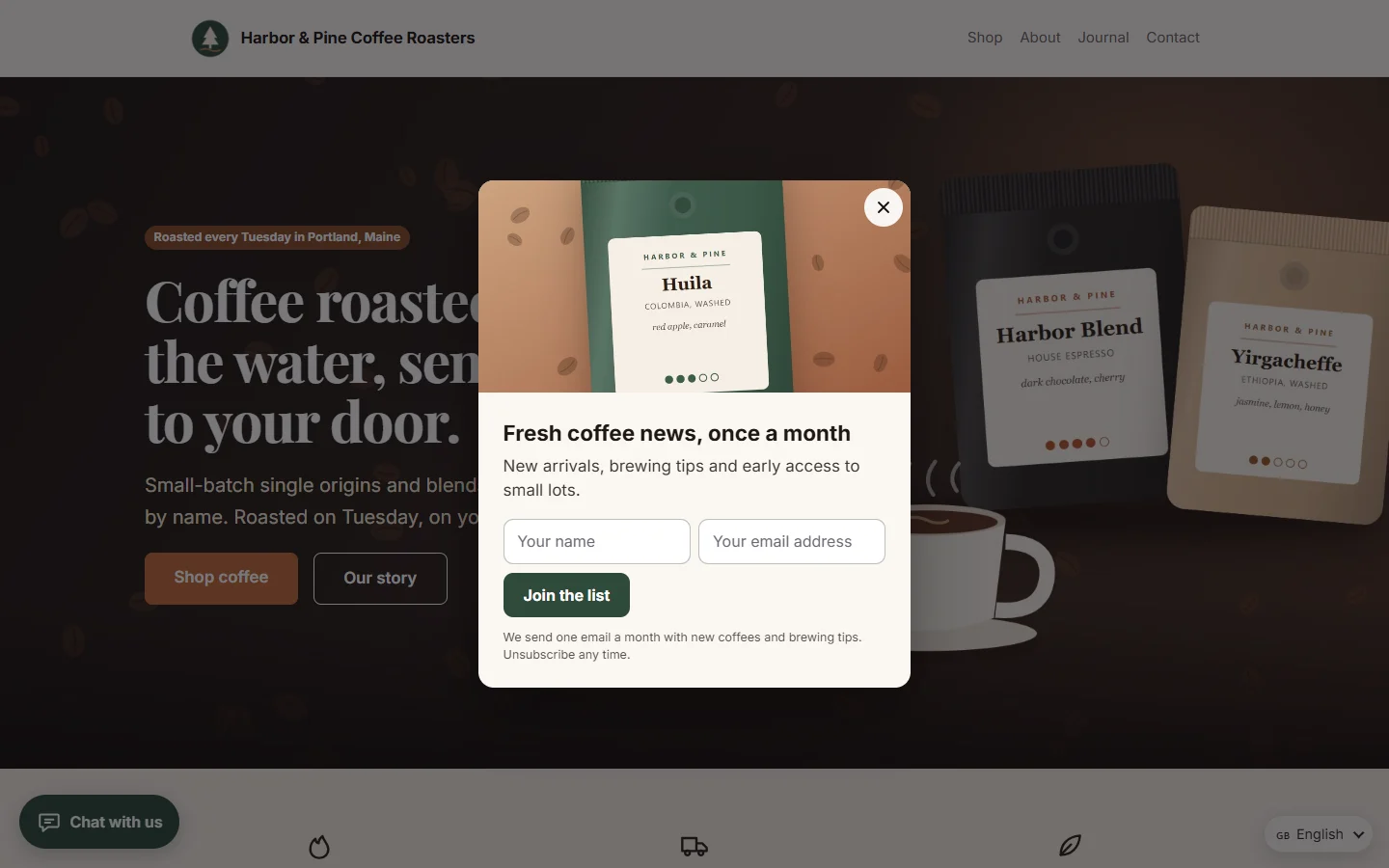
Popups that grow your list, shown when and where you choose
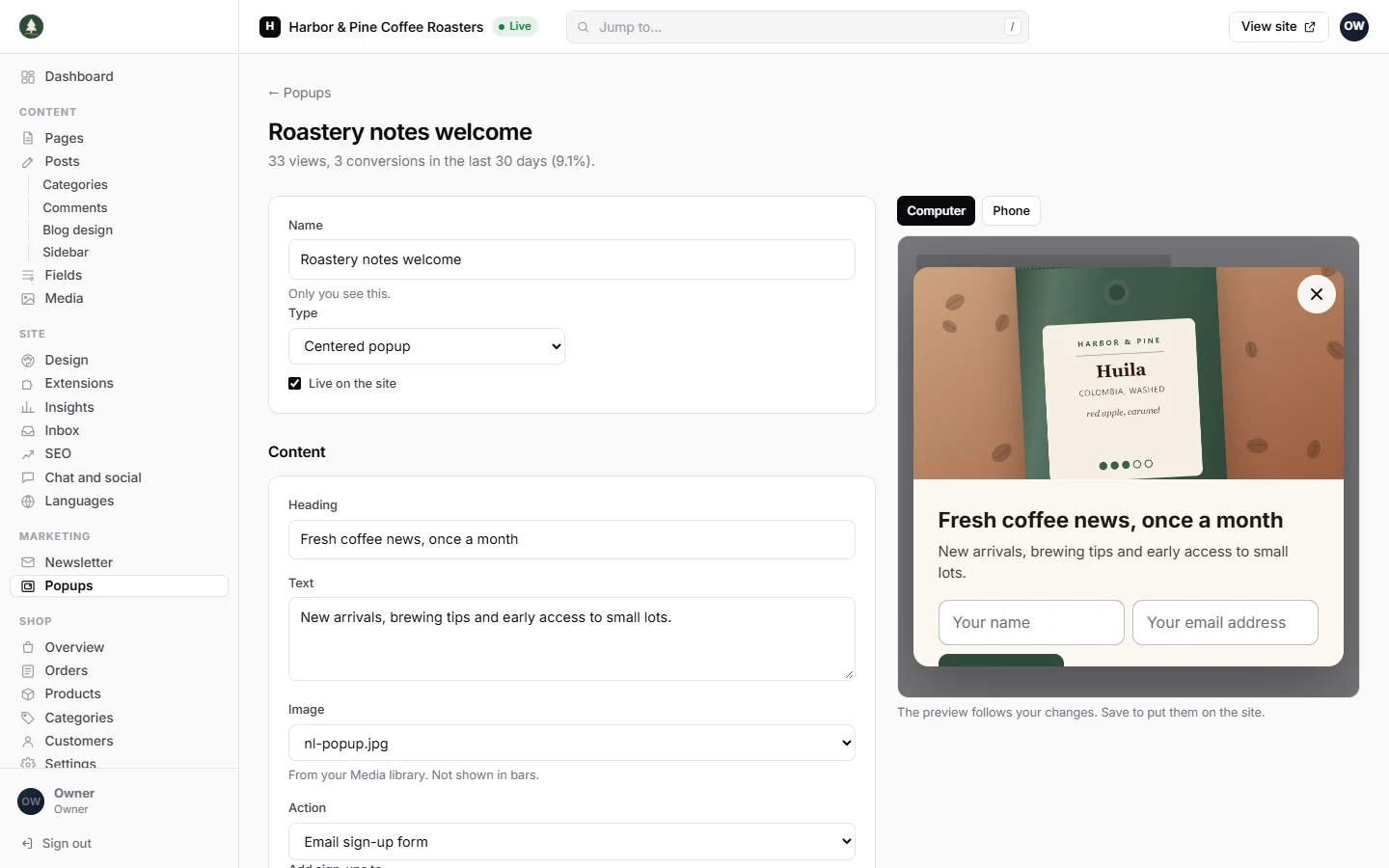
The popup editor, with a live preview as you change words, colours and timing
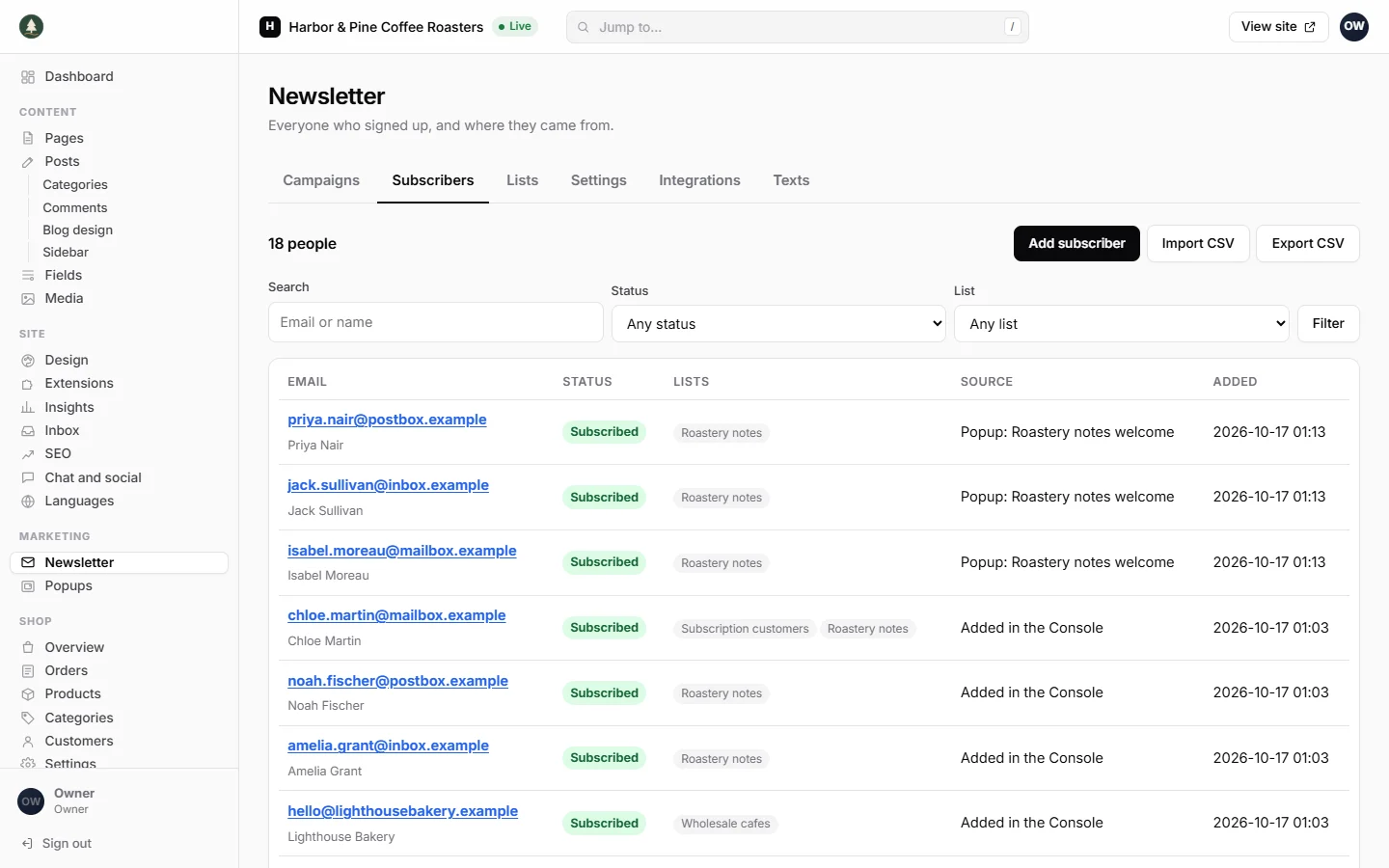
Subscribers with their lists, status and where they signed up
Send campaigns from your site and see who received them
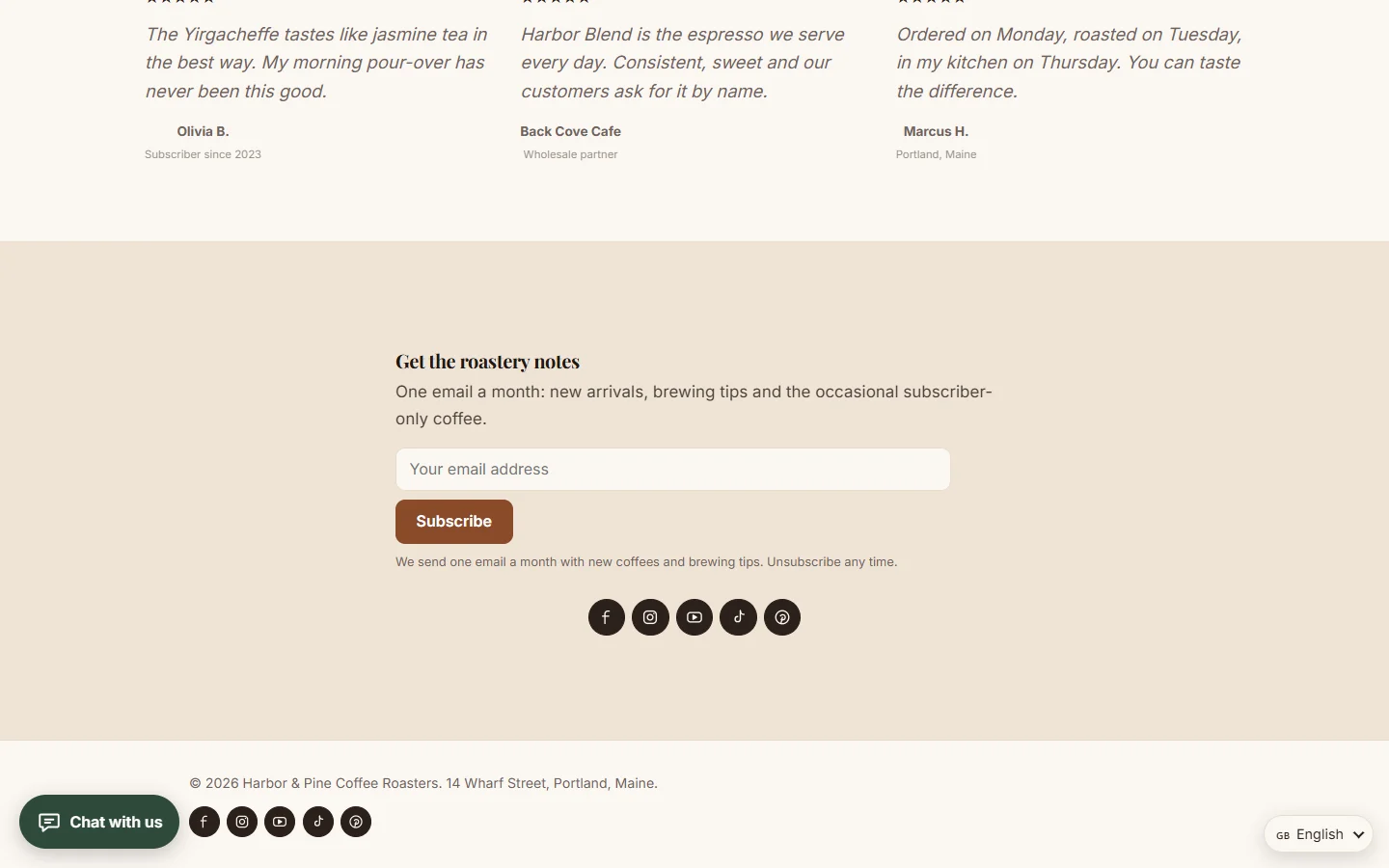
A subscribe form you can place on any page with the page builder

Install on your Webfaze site

  1. Open your Webfaze admin and go to Extensions, then Add new.
  2. Search for newsletter-popups and press Install.
  3. Check the permissions screen, then switch it on.

Webfaze checks the directory’s signature on the package before installing it.